One pixel room.
Three platforms.
Inside the shared renderer that gives a gaming bucket list a place to call its own.
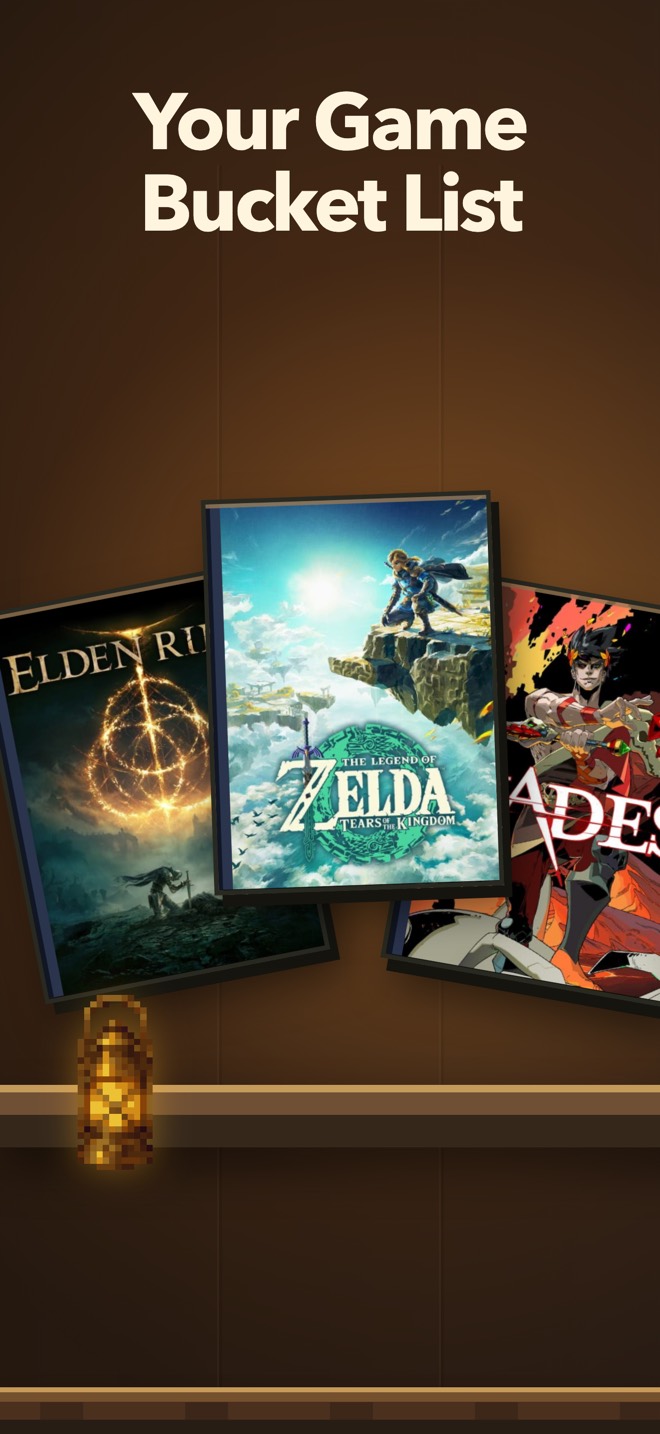
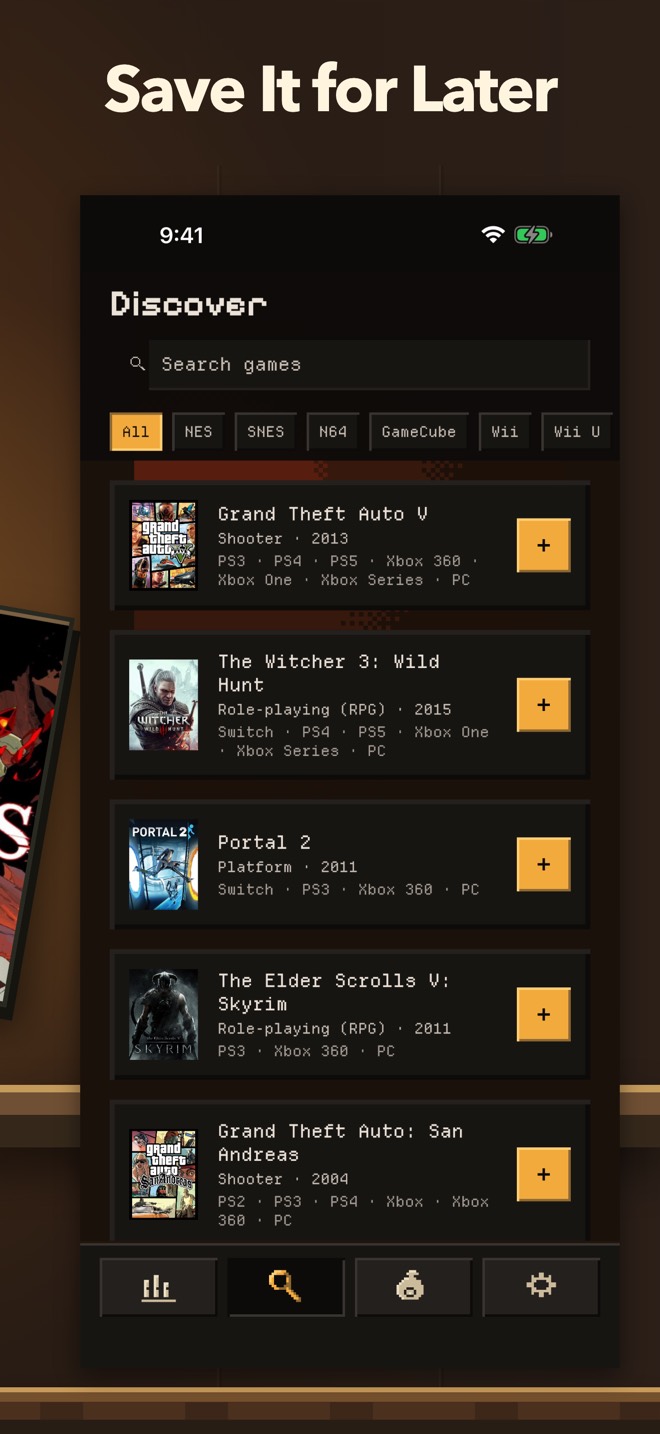
A shelf worth recognizing.
MyGameShelf starts with a familiar moment: you spot a game you want to play and want somewhere to keep it. We turn that growing list into a room. Game covers become boxes on wooden levels. You can name the levels, choose something with Tonight, and mark a finished game with a foil rating sticker.
A shelf carries more than game titles. Its arrangement, wall, nameplates, and small decorations make it recognizable as yours. When someone opens a shared shelf link, those choices help tell the story of what you want to play.
We wanted the room’s visual decisions to travel with it. A change to a sprite, a shelf’s proportions, or the placement of a keepsake should come from the same implementation across our targets.

The same Kotlin drawing code constructs the room on iOS, Android, and the web.
Kotlin lets us keep those decisions together. Compose Multiplatform gives the shared code a drawing surface and a way to arrange the room around it.
The room begins with a grid.
At the base of the renderer is a small PixelGrid. It translates a virtual grid of cells into coordinates on a Compose canvas.
When there is enough space for each cell to occupy at least one device pixel, we round the cell size down to a whole pixel and center the result. That keeps the rectangular artwork aligned to pixel boundaries at those sizes. Below that threshold, the grid allows fractional cells so the artwork can still fit.
Sprites are described as rows of characters and a palette. Each character names a color; dots and spaces stay transparent. The painter collects cells into paths by palette entry, then draws the paths.
PixelIcons.kt in this interactive illustration.A check mark, cell by cell.
Look closer at the shape behind a small piece of the interface.
............
..........B.
.........BB.
........BB..
.......BB...
.......BB...
.BB...BB....
..BB.BB.....
...BBB......
....B.......
............
............
Color transitions have their own shared rule: a four-by-four ordered-dither pattern. A transition between two bands becomes a deliberate arrangement of colored cells. These small choices establish the room’s visual vocabulary in code.
The geometry belongs to the shelf.
Drawing a decoration is only half the problem. It also needs a place among the games.
A row of cases can be shorter than the screen or long enough to scroll. We position decorations against that row’s coordinate space, with their horizontal location stored as a fraction of the games block. Cases and keepsakes then move together as the row scrolls.
DecorRunGeometry contains the calculations used by the editable shelf and its read-only web view: case widths, gaps, decoration positions, and placement bounds.
When choosing an available location, the placement search tries the preferred position first, then samples positions at half-percent intervals, ordered by distance from that preference. It checks the calculated bounds against existing decorations. Keeping that placement strategy shared gives us one place to refine it.
Space changes the composition.
The shelf asks how much space is available. In ShelfReel, a page at least 600 dp wide and 900 dp tall can show two levels. Other sizes show one. Case height also depends on the available width and height.
That makes a resized browser window part of the same layout problem as a phone or tablet. The shared rules decide how the composition responds.
We also preserve the shelf’s structure when a level is empty. Its plank and nameplate stay in place, with a slot showing where the first game will stand. Saving a game fills an existing part of the room.
Shared drawing.
Platform decisions.
Sharing the renderer does not remove differences between platforms. Text rendering, anti-aliasing, available dimensions, and input behavior can still differ. We have to inspect the result and exercise the interactions on each target.
The code makes some differences explicit. In the browser, an unlocked decoration can be dragged directly with a mouse. On mobile, moving it begins with a hold, leaving ordinary swipes available for browsing the shelf.
Shared in Kotlin
The grid, sprites, shelf proportions, placement calculations, and responsive composition.
Connected to the platform
Local storage, haptics, networking, native sharing, purchases, and sign-in.
Shared Kotlin describes the product’s request; platform implementations connect it to the operating system.
One room to keep improving.
For MyGameShelf, the case for Kotlin is visible in the shelf itself. The grid, sprites, placement calculations, and responsive composition belong to one shared implementation. We can work on the room as a coherent part of the product while handling platform integrations where they belong.
That does not make device testing optional. It gives that work a common foundation.
The result is an architecture shaped around what people come to see: their games, arranged in a room they can make their own and share.
Build your game shelf ↗